Signal Hub is a Mac app for Bluetooth Low Energy (BLE) testing and automation. Scan and connect to many BLE devices at once, build visual workflows that run on real hardware, simulate peripherals when the prototype hasn't shipped, and export PNG / video documentation — all from one elegant macOS app.
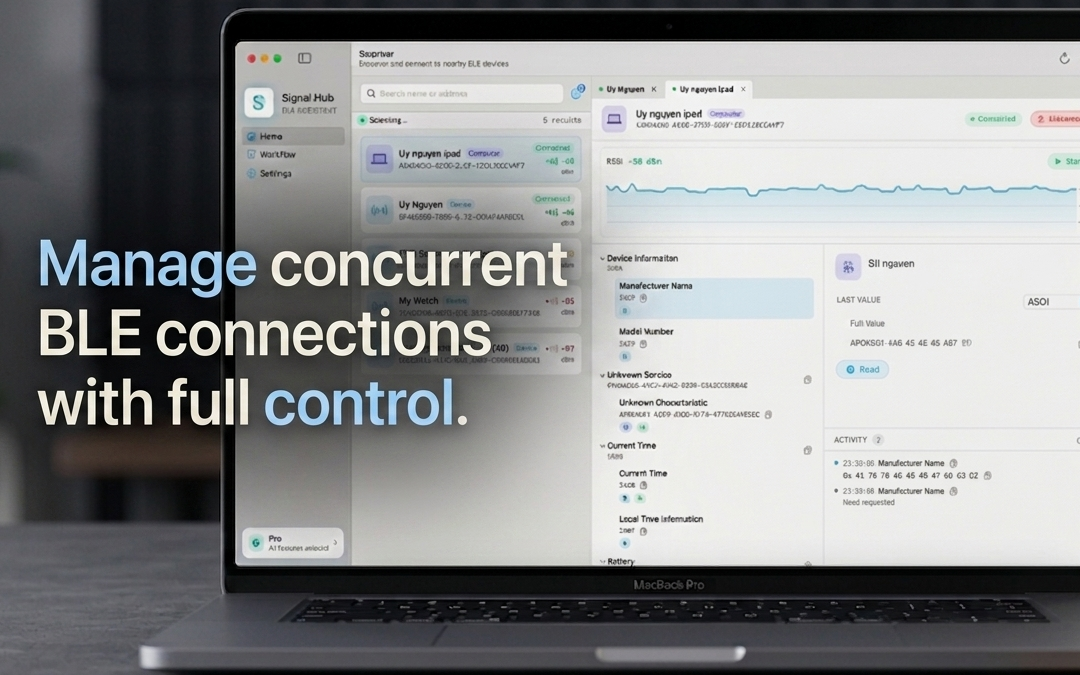
Signal Hub treats every BLE connection as a first-class citizen. Scan the room, connect to multiple peripherals in parallel, and switch between them without losing context. Read, write, and subscribe to characteristics with one click — and watch traffic stream in real time.
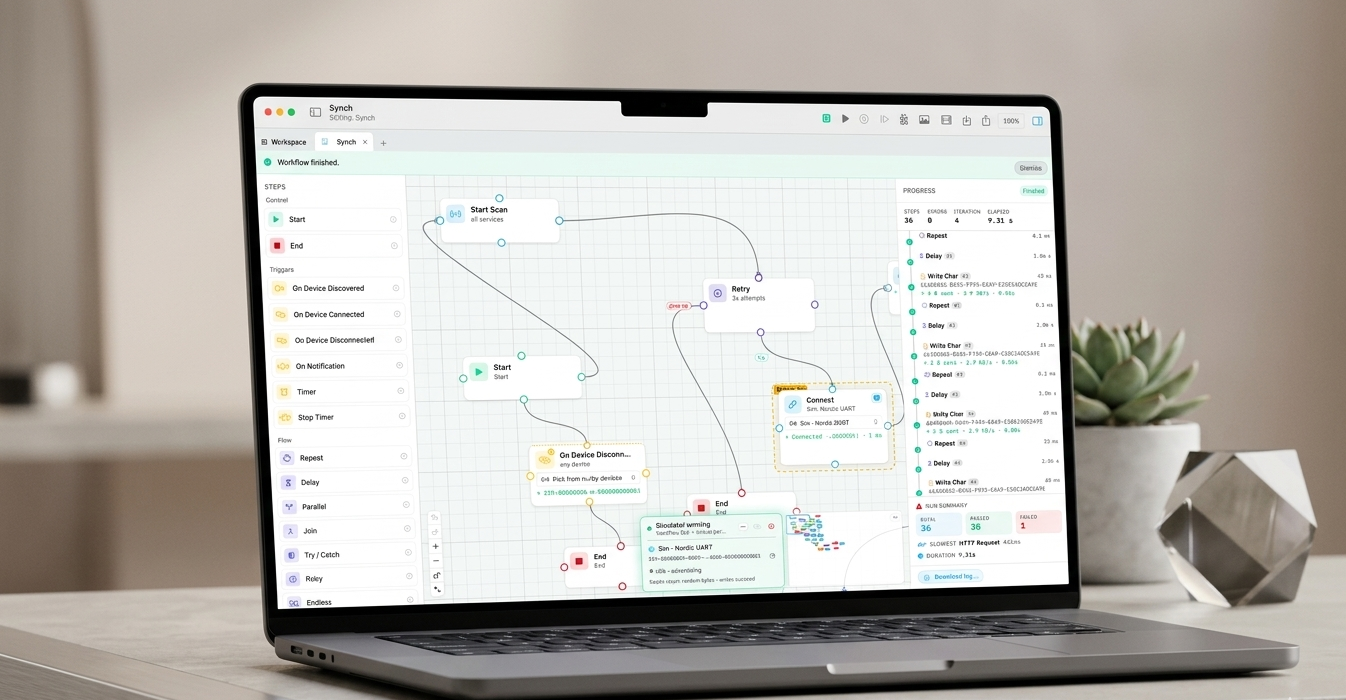
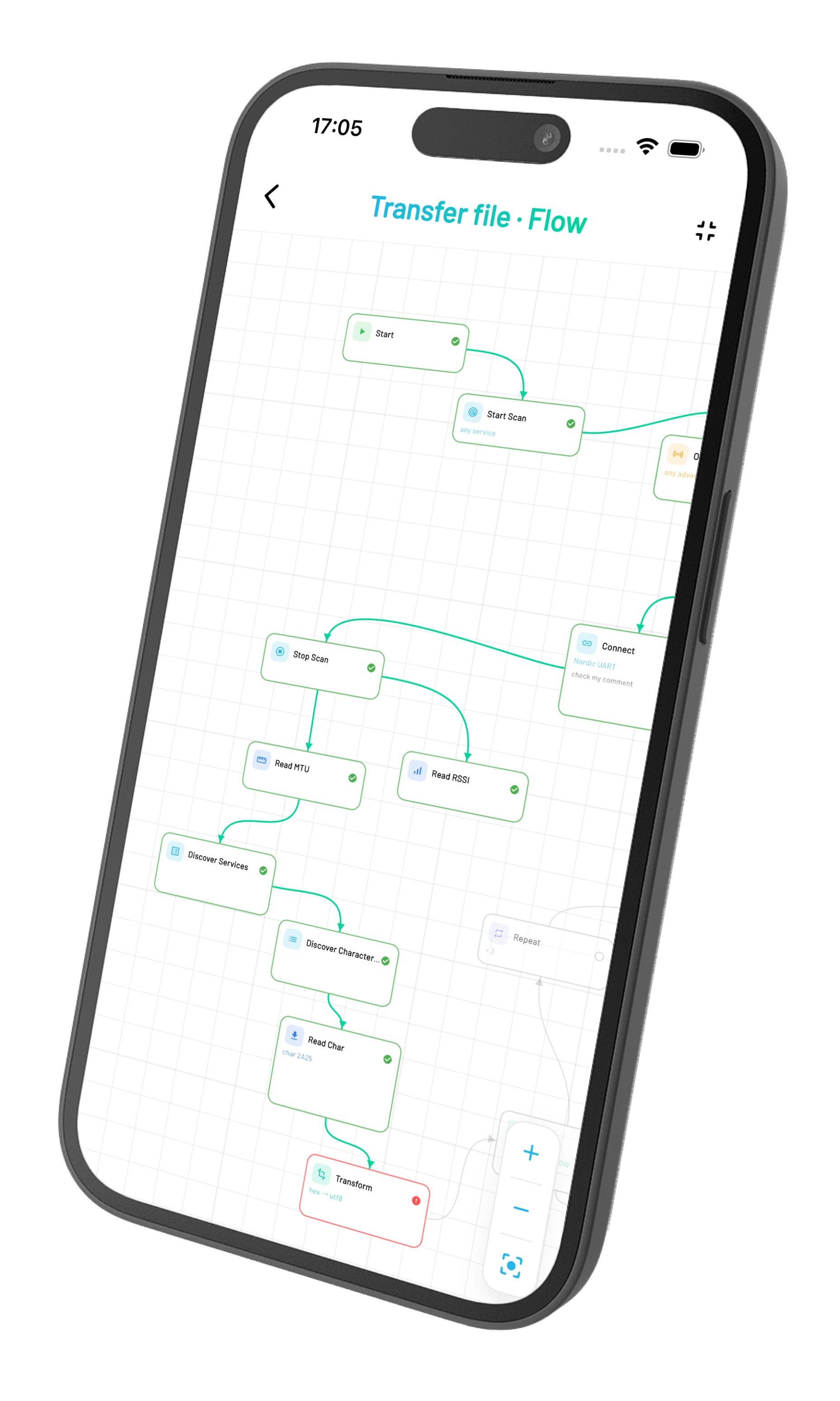
Drag, drop, and connect nodes to compose any BLE flow — handshake, OTA, telemetry, edge cases. Branch on results, wrap risky steps in Try / Catch, retry and recover — then hit run, and Signal Hub executes the whole graph against your device.
Each node is a single BLE action — scan, connect, read, branch, wait. Snap them together on the canvas and you've described a complete protocol exchange, ready to run on a real device or the built-in simulator.
Entry point of the workflow. Exactly one Start node is allowed — execution begins here when you press Run.
Terminates a branch cleanly. Optional — branches that reach a dead end also stop, but End makes the intent explicit.
Parks the current branch indefinitely. The workflow stays in the running state until the user hits Stop, so concurrent triggers (timer, on-notification, on-device-discovered) can keep firing. Has no outgoing edges.
Blocks until a peripheral advertisement matches the configured filters (name substring, manufacturer-data hex prefix, RSSI threshold). Auto-starts a scan unless disabled.
4C00 for Apple beacons.SignalHub, rssi ≥ -75) → Connect (uses stored mac).Blocks until a connect event fires. Optionally filters by mac so the trigger only resumes when a specific device comes online.
AA:BB:…) → Discover Services → Read Char.Blocks until a disconnect event fires. Used to react to peripherals dropping the link without polling.
Blocks until a characteristic notification matches the optional hex prefix. Auto-subscribes to the characteristic before listening so a separate Subscribe step isn't required.
AA01) → continue.Waits on a time condition before continuing. After delay = one-shot wait. Interval = self-looping periodic tick that runs forever until stopped. Exact date = wait until an ISO-8601 timestamp.
2026-12-31T23:00:00Z). Past dates fire immediately.2026-12-31T23:00:00Z) → Start Scan → …Cancels a running Timer node addressed by name. The targeted timer's pending wait is disposed immediately, no more ticks fire. Other branches and timers keep running.
Waits for the next advertisement matching the configured filter (mac, name substring, manufacturer prefix) and stashes selected fields into prefixed variables. One-shot — returns as soon as a match arrives.
<prefix>_mac, _name, _rssi, _mfg, _services, _connectable. Defaults to ad.saw ${apple_name} · ${apple_rssi} dBm → End.Begins a BLE scan. Continues running asynchronously; subsequent steps execute immediately without waiting for results.
Stops an in-progress scan. Pair with Start Scan when you want a bounded discovery window.
Connects to a peripheral by MAC. Resolves on "connected" — i.e. CoreBluetooth fired didConnect and the link is up.
Closes the active connection. Always good practice at the end of a workflow so the peripheral is free for other apps.
Asks the peripheral to enumerate its services. Required before reading/writing characteristics on most devices.
Enumerates the characteristics under each discovered service. Run after Discover Services.
Enables notifications/indications on a characteristic. Subsequent notifications populate lastReadHex and fire Wait Notification steps.
Turns off notifications for a characteristic. Useful when a workflow has multiple subscribe/unsubscribe phases.
Reads the current value of a characteristic. Resolves with raw bytes; the bytes are stored in lastReadHex and (optionally) into a named variable.
0x2A19) or 128-bit UUID. The picker fills this in from the discovered list.lastReadHex — only the human-readable view.0x2A19, format=UInt8, store as=battery).Writes bytes to a characteristic. Supports hex (DE AD) or text payloads, and chooses write-with/without-response automatically based on the characteristic's properties.
DE AD BE EF) or ${var} interpolations. The executor chunks payloads larger than the negotiated MTU automatically.0xFF03, payload=01).AA01) → Write Char (payload=${cmd}).Reads the current RSSI of the active connection. Stored in the lastRSSI runtime slot and (optionally) into a named variable.
Reads the negotiated ATT MTU. macOS CoreBluetooth doesn't expose an API to request a specific MTU — this step just surfaces what the OS negotiated at connect time.
${mtu}).Reads a GATT descriptor (e.g. Characteristic User Description 0x2901, Format 0x2904, or the current notify-state bits in the CCCD 0x2902).
0x2901, 0x2902, 0x2904) or 128-bit UUID.0x2901, format=text).Writes bytes to a writable GATT descriptor. ⚠️ macOS blocks writes to the CCCD (0x2902) — use Subscribe instead. Useful for the rare devices that expose other writable descriptors.
0x2902.0xFFD1, payload=01).Loops its first output edge N times, then takes the second output (exit) once. Body executions are numbered (#1, #2, …) in the run log.
Pauses the branch for a fixed duration. Other parallel branches keep running.
Fans out into multiple branches that run concurrently. Each outgoing edge starts its own execution token.
Counterpart to Parallel: waits until every incoming edge has delivered a token before continuing downstream.
Wraps its protected branch (edge 0). If any downstream step on that branch fails, execution jumps to the catch branch (edge 1) instead of failing the workflow.
Wraps a branch in a retry loop. If anything downstream of edge 0 errors, the executor delays then re-enters edge 0 — up to attempts total tries before falling through to edge 1 (the give-up branch).
Trailing-edge debounce for noisy streams. Waits for a quiet period before continuing; a fresh arrival within the window restarts the wait, so a burst of notifications collapses into a single downstream fire once the stream goes quiet.
Leading-edge rate limit. The first token through fires downstream immediately, then further tokens are dropped for the cooldown window. The prompt-response counterpart to Debounce — caps how often a path runs without waiting for the stream to go quiet.
Iterates an array variable, running the body edge once per element with the current item (and index) exposed as variables. Cleaner than Repeat + manual index arithmetic.
item.${raw}); body loops back to Foreach.1, 2, 3) → Foreach (array=vals, item=v, index=i) → Log row ${i} = ${v}.Branches on a condition. Edge 0 = true, edge 1 = false. Compares a Source (variable, last RSSI, last hex, isConnected) against a Right-hand value using the chosen operator.
variable looks up a stored variable; lastRSSI / lastReadHex / isConnected use runtime state.=, ≠, <, ≤, >, ≥, contains, starts with. Numeric ops parse both sides as numbers; others compare as strings.${var} interpolation). When both sides start with 0x they're auto-normalized for hex comparison.0x AA 01) → true: continue.Blocks the branch until a notification arrives on the characteristic, or the timeout elapses. The received bytes populate lastReadHex.
0x AA, timeout=2) → If on lastReadHex.Checks a condition and fails the step if it's false. Same operand/operator semantics as the If node, but doesn't branch — it terminates the branch on failure (or jumps to the nearest Try/Catch / Retry catch edge).
0xAA01, msg=bad ack).N-way branch. Compares an input against one value per line and follows the matching outgoing edge. If nothing matches, the LAST outgoing edge fires as the default.
isConnected. Same set the If node supports.Stores a value into a named variable so later steps can reference it. The source can be a literal, another variable, last RSSI, last hex, or the connection state.
variable (literal or another variable), lastRSSI, lastReadHex, isConnected.night) → If (variable=mode, =, night).Converts a hex string into a decoded value (UInt8 / UInt16 / Float / UTF-8 / sliced bytes) or vice versa. Reads from lastReadHex if no input variable is set.
0xAA).Parses a hex payload into multiple named fields in one node — replaces a chain of Transform nodes when you have a structured packet with several offsets.
name offset length type [endian]. Types: hex, utf8, ascii, uint8/int8, uint16/int16, uint32/int32, float32, float64. length of 0 = to end. Endian (LE/BE) only required for multi-byte numeric types.Writes a free-form message into the run log. References to ${var} are resolved against the live variable store at run time, so the same node prints the current value of any variable wired upstream.
${name} is substituted with the value of the variable name; unknown variables are left as-is so typos are easy to spot.battery=${batt}%).took true branch / took false branch) so the run log shows which way the decision went.Evaluates an arithmetic expression and stores the numeric result. Only + − × ÷ and parentheses are allowed; variable references are spliced via ${var} before evaluation.
1 + 2 * 3, ${a} + ${b}, (${rssi} + 100) / 10.${raw} * 0.1, output=temp_c).${total} + 1, output=total).Increments (or resets) a named variable. Reads the existing value as a number, adds Delta, writes the new value back. An unset variable starts at 0.
Wall-clock measurement. Start records the current time against a named slot; Stop computes the elapsed milliseconds since the matching Start and (optionally) writes the value to a variable for downstream nodes.
took ${write_ms} ms).Posts a notification to macOS Notification Center. First run prompts for permission; subsequent runs reuse the granted status. Title and body support ${var} substitution.
Low battery, body=${name} is at ${battery}%).Device lost, body=${mac}).Computes a CRC checksum over a hex payload variable. Supports CRC-8, CRC-16/CCITT-FALSE, CRC-16/Modbus, and CRC-32 — the four shapes nearly every vendor BLE protocol uses for trailing checksum bytes.
0x XX XX … hex format reads produce, so a downstream Write accepts it without conversion.0xA1 02 03 04) → CRC (CRC-16/Modbus, in=payload, out=crc) → Write Char (${payload} ${crc}).0x00 00).Pulls a single value out of a JSON string by dotted path. Designed to consume the response body the HTTP node stores under its "Store as" variable without a Transform chain.
data.battery, items.0.name, headers.content-type. Numeric segments index arrays; everything else is an object key. Sub-objects re-serialize as JSON so you can chain a second Extract.data.battery, out=batt) → If (variable=batt, <, 20) → Notify Desktop.devices.0.firmware, out=fw).Generates a random integer in a range or a random hex byte string and stores it to a variable. Useful for jitter delays, payload fuzzing, and stress tests.
[min, max]) or hex bytes.${jitter} ms… actually seconds via Expression ${jitter} / 1000) → Connect.${payload}).Converts between raw bytes and a Base64 string — encode bytes to Base64, or decode Base64 back to bytes. Saves the Transform-chain workaround for the Base64 payloads many BLE and REST APIs expect.
0x XX …) or UTF-8 text.{"data":"${b64}"}).${cmd}).Extracts or sets a bit field within a value — the common "status byte packs several flags" shape of BLE protocols, without hand-rolling shift/mask arithmetic in an Expression node.
0x00) → Bit Mask (Set, offset=3, width=1, value=1, in=ctrl, out=ctrl) → Write Char (${ctrl}).Sends an HTTP request to a URL with optional headers and body. Variables are interpolated with ${name}.
${var} allowed.${var}.${var} interpolation applies.{"temp":${temp}}).Appends a row to a CSV file on disk. Creates the file with the configured header on first run.
${var} interpolation applies.ts,rssi, row=${now},${rssi}).Writes a payload to disk in one shot (overwrites if exists). Use for snapshots, not append-style logs.
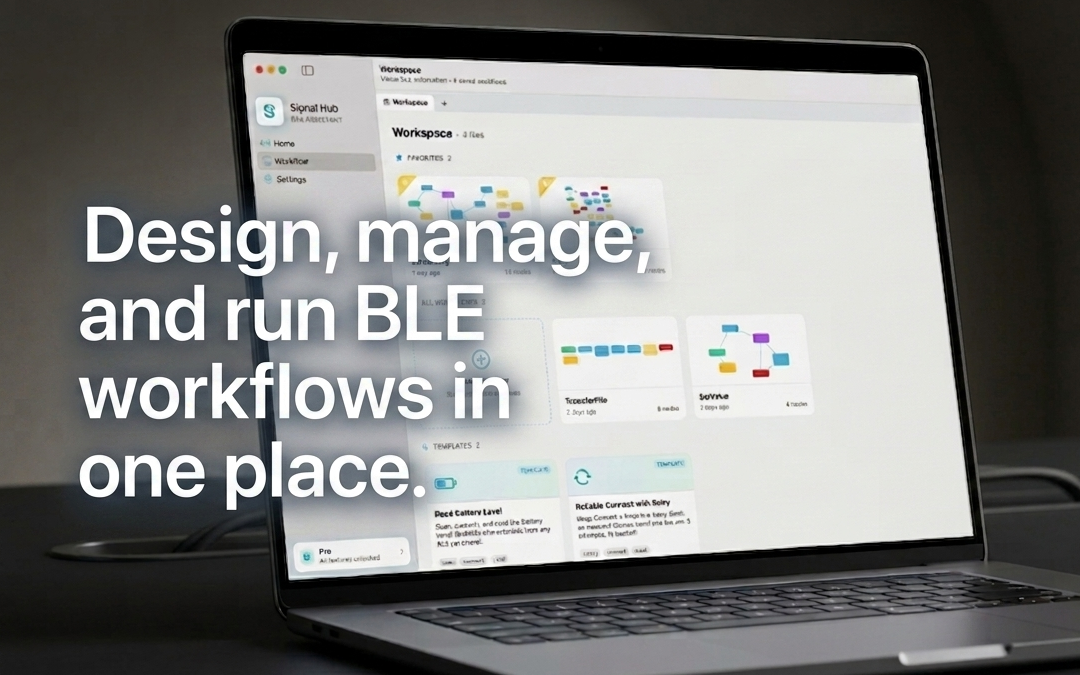
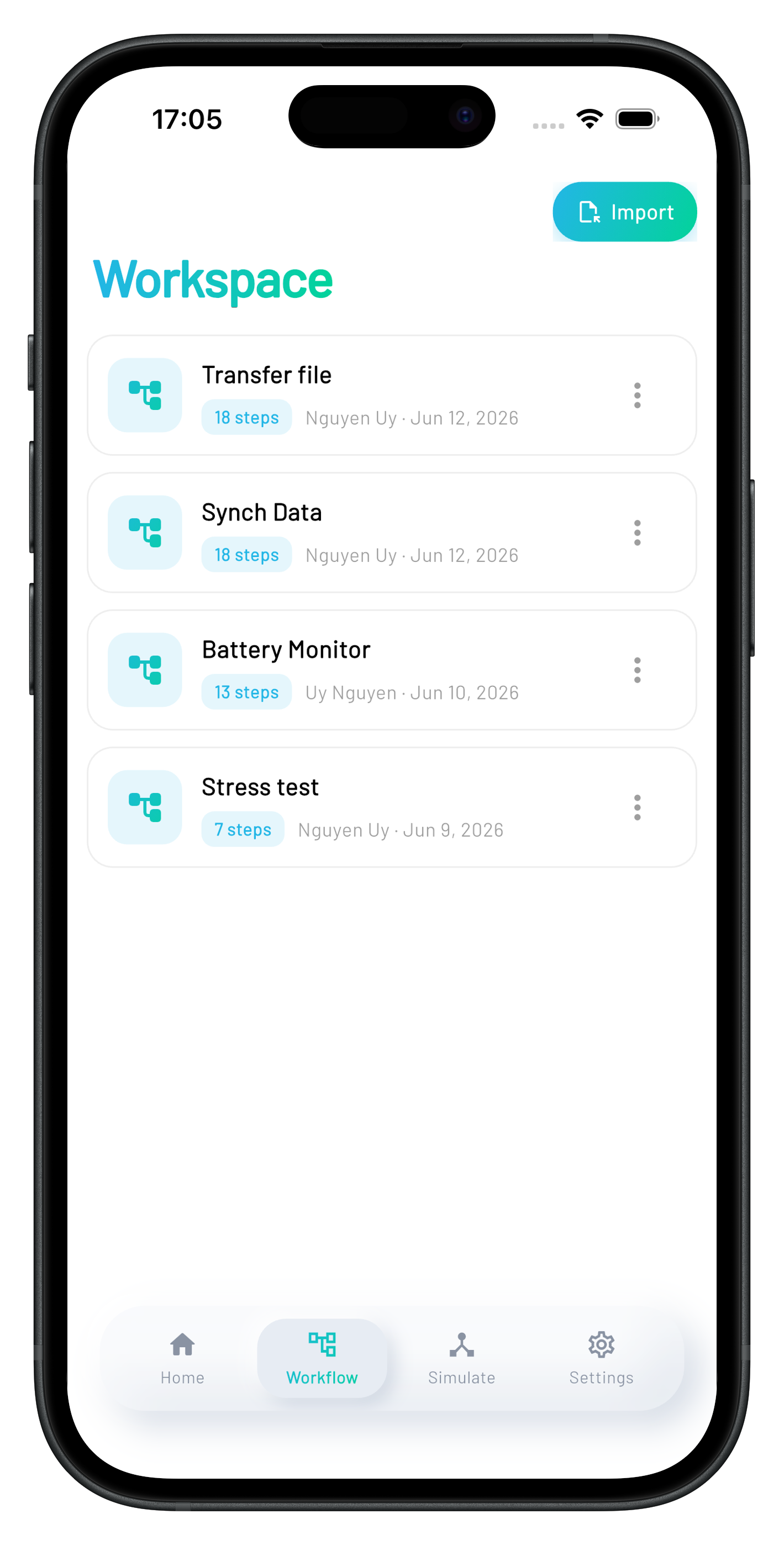
${var} interpolation./tmp/last.bin, content=${lastReadHex}).Organize devices, workflows, and notes into workspaces. Each one is a self-contained context — switch projects with a click. Share a workspace with a teammate and they pick up exactly where you left off.
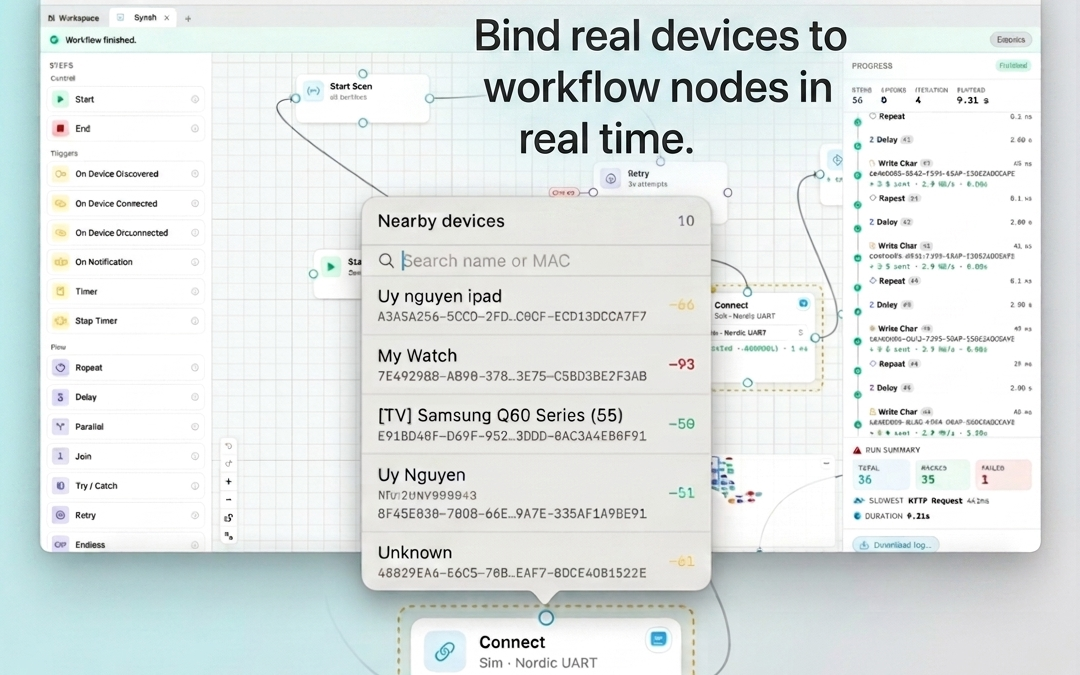
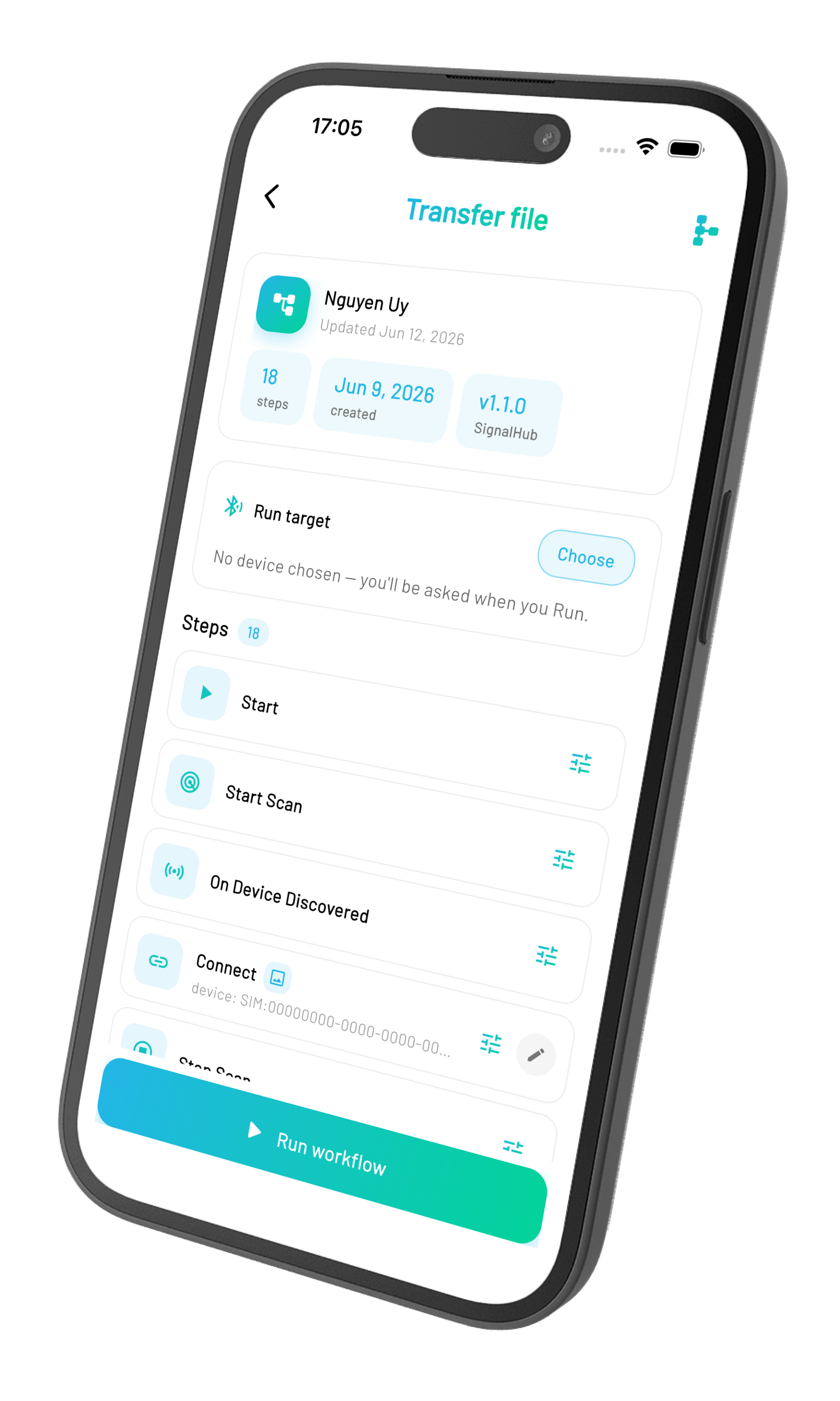
Connect a workflow to physical hardware in seconds. Pick a discovered peripheral, bind it to a node, and watch the workflow drive the device for real — no scripts, no fixtures, no detours through a terminal.
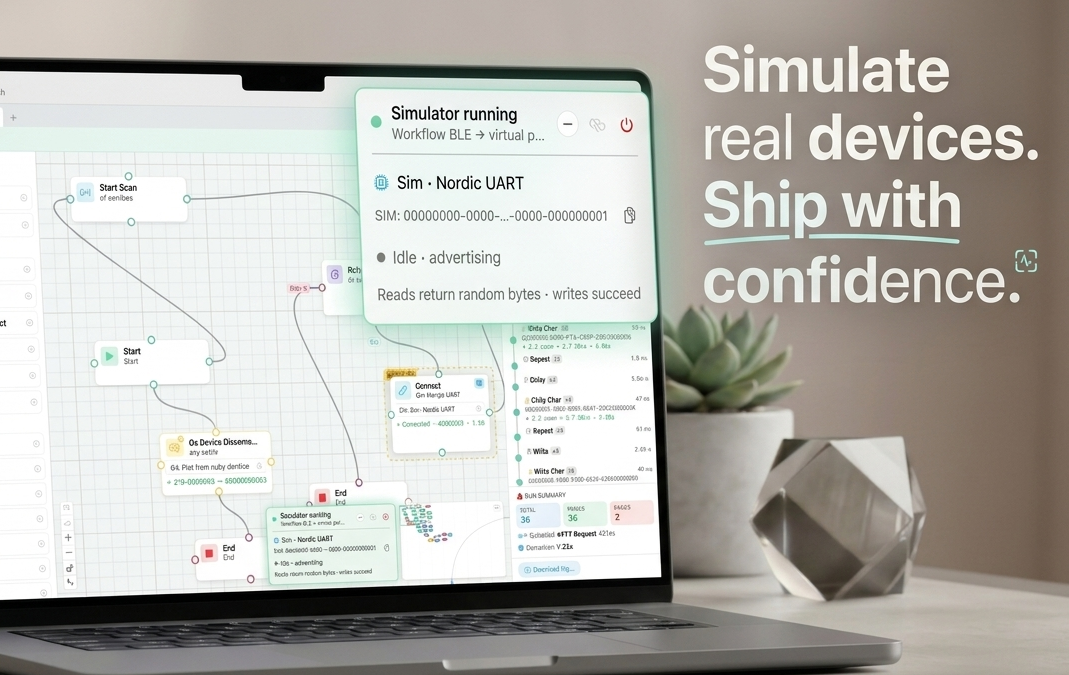
The built-in BLE simulator stands in for any peripheral. Mock services, characteristics, and responses — including the gnarly edge cases that real hardware refuses to reproduce. Build, test, and demo your workflows before the prototype hits your desk.
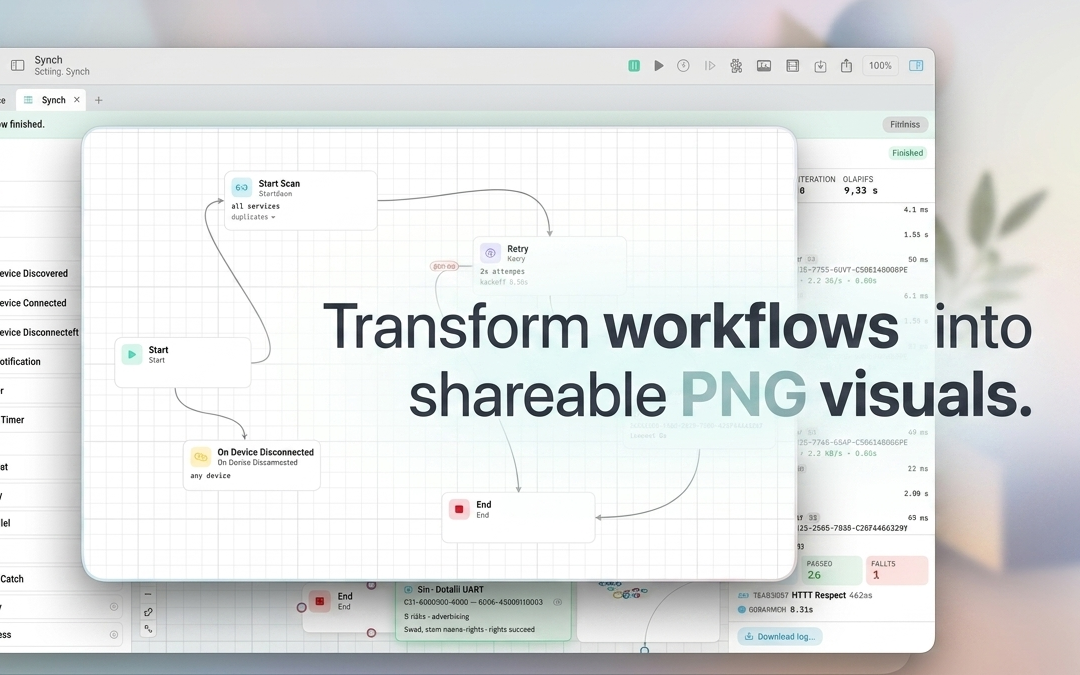
Export any workflow as a high-resolution PNG, a screen recording, or a compact summary — ready to drop into a PR, a spec, or a customer report. Documentation becomes a by-product of building, not a chore.
Workflows rendered at retina resolution, ready for documentation, PRs, or slide decks.
Record a live run with all device traffic overlaid. Perfect for demos and bug reports.
Every workflow run produces a structured summary — steps, timing, results, errors.
Concurrent connections, workflows, simulator, export — all in motion. The fastest way to feel what Signal Hub actually does.
Signal Hub is in private beta on macOS. If you spend your days talking to BLE peripherals, we'd love to hand you the keys.